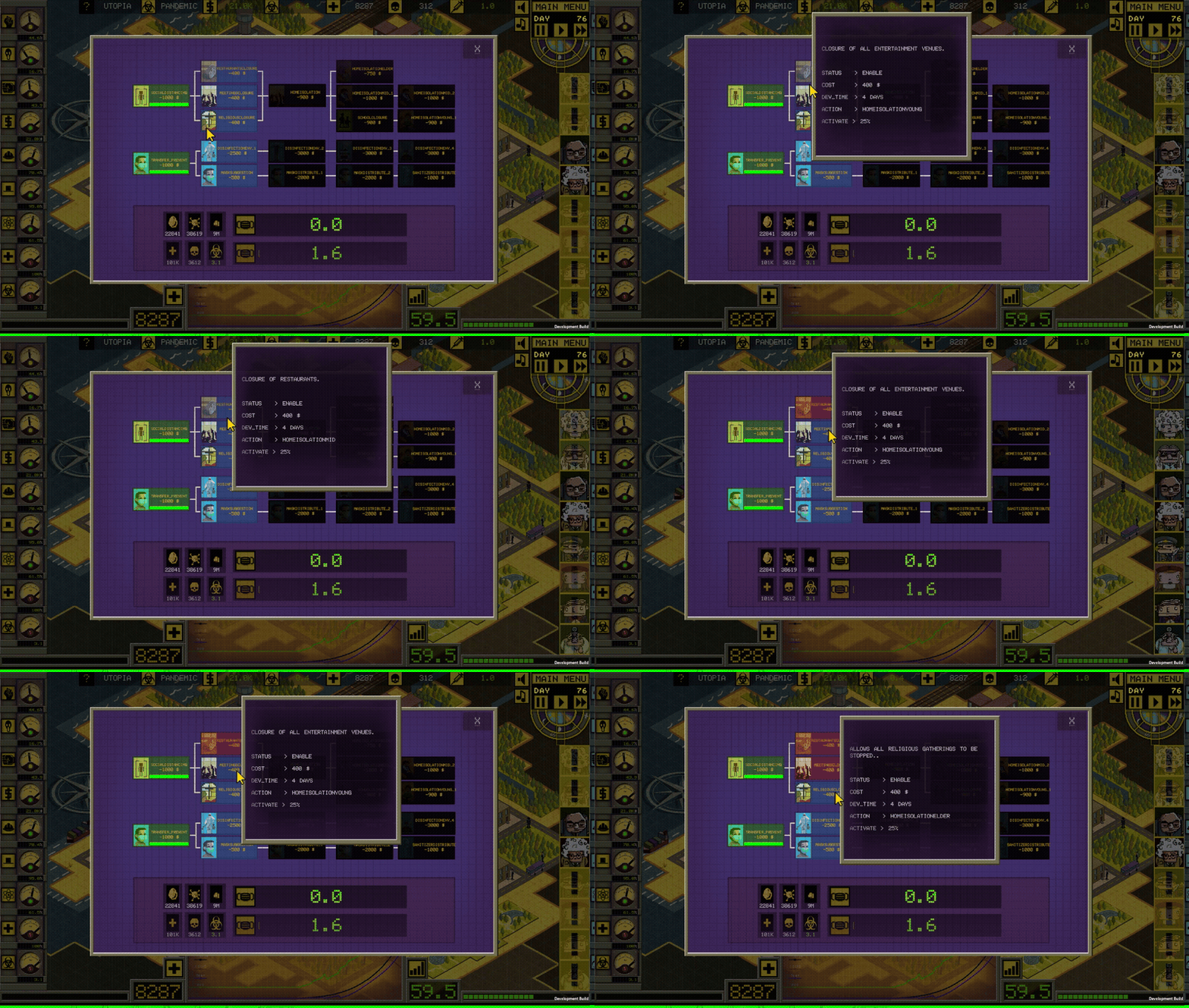
The script focuses on controlling the state and progression of techtrees in game Ministry of pancemic, written in unity/C# . It manages the UI elements corresponding to these actions, updating their visual states based on their status (active, enable, disable, inProgress). The script also handles the dependencies between actions, ensuring that certain conditions are met before activating or deactivating specific technologies.
SUMMARY:
- Tech Activation and Deactivation: The
ActivateTechmethod controls the logic for activating or deactivating technologies. It checks if dependencies are met (e.g., connected technologies must be active) and manages the status of a technology (e.g., from “enable” to “active”). - Progress Handling: The
ProgressStartmethod initiates progress for a technology, and theActionActivationmethod manages the status changes (e.g., activation, deactivation, or progress) of a technology, updating the player’s resources (like ecoBudget) and triggering related actions (e.g., vaccine development or building upgrades). - Tree and Dependency Management: Technologies can have dependencies on other technologies or must be completed in a specific order. The script checks and manages these dependencies before allowing a technology to be activated or deactivated.
FUNCTIONS:
colorCtrl(string objName, string statusName)- Changes the color of a UI element based on its status.
- Parameters:
objName: The name of the GameObject.statusName: The status of the object (e.g., active, enable, disable, inProgress).
titleGenerate()- Generates and assigns titles and texts for game actions at the start.
- Iterates through the
subActionsdictionary to set action titles and colors.
progressBarReset()- Resets the progress bars for all actions.
- Iterates through the
subActionsdictionary to reset the progress bars.
activateTech(string action)- Manages the activation and deactivation of technologies based on their current status and dependencies.
- Contains nested functions:
void readTrees(): Reads input and output tech trees for the specified action.void deactivateTree(string actionDeactivate): Deactivates a tech tree if conditions are met.void activateTree(string actionActivate): Activates a tech tree if conditions are met.void progressStart(string actionProgress): Starts the progress for a specified action if conditions are met.
actionActivation(string action, string statusChange)- Updates the status and image of an action and manages budget adjustments.
- Parameters:
action: The action to be activated or deactivated.statusChange: The type of status change (activation, deactivation, inProgress).
progressCheck()- Checks the progress of all actions and updates their status if progress is completed.
- Iterates through the
progressListto update the progress bars and statuses.
public void ProgressBarReset()

//..
// Activates a technology based on its action
public void ActivateTech(string action)
{
    string status = subActions[action]["status"];
    bool outTreeExists;
    bool inTreeExists;
    List<string> outTreeList = new List<string>();
    List<string> inTreeList = new List<string>();

    void ReadTrees()
    {
        string outTree = subActions[action]["outTree"];
        outTreeExists = !string.IsNullOrEmpty(outTree);
        if (outTreeExists)
            outTreeList = outTree.Split(',').ToList();

        string inTree = subActions[action]["inTree"];
        inTreeExists = !string.IsNullOrEmpty(inTree);
        if (inTreeExists)
            inTreeList = inTree.Split(',').ToList();
    }

    // Deactivates a tree of technologies
    void DeactivateTree(string actionDeactivate)
    {
        int noOutConnectedTreeActive = 1;

        if (outTreeExists)
        {
            foreach (var outTreeItem in outTreeList)
            {
                if (subActions[outTreeItem]["status"] == "active" || subActions[outTreeItem]["status"] == "inProgress")
                {
                    noOutConnectedTreeActive = 0;
                }
            }

            if (noOutConnectedTreeActive == 1)
            {
                ActionActivation(actionDeactivate, "deactivation");
                foreach (var outTreeItem in outTreeList)
                {
                    subActions[outTreeItem]["status"] = "disable";
                    ColorCtrl(outTreeItem, "disable");
                }
            }
            else
            {
                Debug.Log("There is an active tree connected");
            }
        }
        else
        {
            ActionActivation(actionDeactivate, "deactivation");
        }
    }

    // Activates a tree of technologies
    void ActivateTree(string actionActivate)
    {
        ActionActivation(actionActivate, "activation");

        if (outTreeExists)
        {
            foreach (var outTreeItem in outTreeList)
            {
                int inConnectedTreeActive = 1;
                string outsInTree = subActions[outTreeItem]["inTree"];
                bool outsInTreeExists = !string.IsNullOrEmpty(outsInTree);
                List<string> outsInTreeList = outsInTree.Split(',').ToList();

                if (outsInTreeList.Count > 1)
                {
                    foreach (var outsInTreeItem in outsInTreeList)
                    {
                        if (subActions[outsInTreeItem]["status"] != "active")
                        {
                            inConnectedTreeActive = 0;
                        }
                    }
                }

                if (inConnectedTreeActive == 1)
                {
                    subActions[outTreeItem]["status"] = "enable";
                    ColorCtrl(outTreeItem, "enable");
                }
            }
        }
    }

    // Starts the progress of a technology activation
    void ProgressStart(string actionProgress)
    {
        if (progressList.Count < 3)
        {
            if (UI.delayedManuEnable)
            {
                subActions[action]["activationTime"] = UI.timeStep.ToString();
                ActionActivation(actionProgress, "inProgress");
                progressList.Add(action);
            }
        }
        else
        {
            EventCtrl.popupTimed("The maximum number of technological advances has been reached! \n Wait for the current progress to complete.", 2);
        }
    }

    ReadTrees();

    if (status == "active")
    {
        if (UI.delayedManuEnable)
        {
            DeactivateTree(action);
        }
    }
    else if (status == "enable" && reproductionScript.state["ecoBudget"] > 0)
    {
        ProgressStart(action);
    }
    else if (status == "enable" && reproductionScript.state["ecoBudget"] <= 0)
    {
        EventCtrl.popupTimed("Not enough funds", 1);
    }
    else if (status == "progressCompleted")
    {
        ActivateTree(action);
    }
}
public void ActionActivation(string action, string statusChange)

//..
public void ProgressCheck()

//...
 Ceyhan Kapusuz