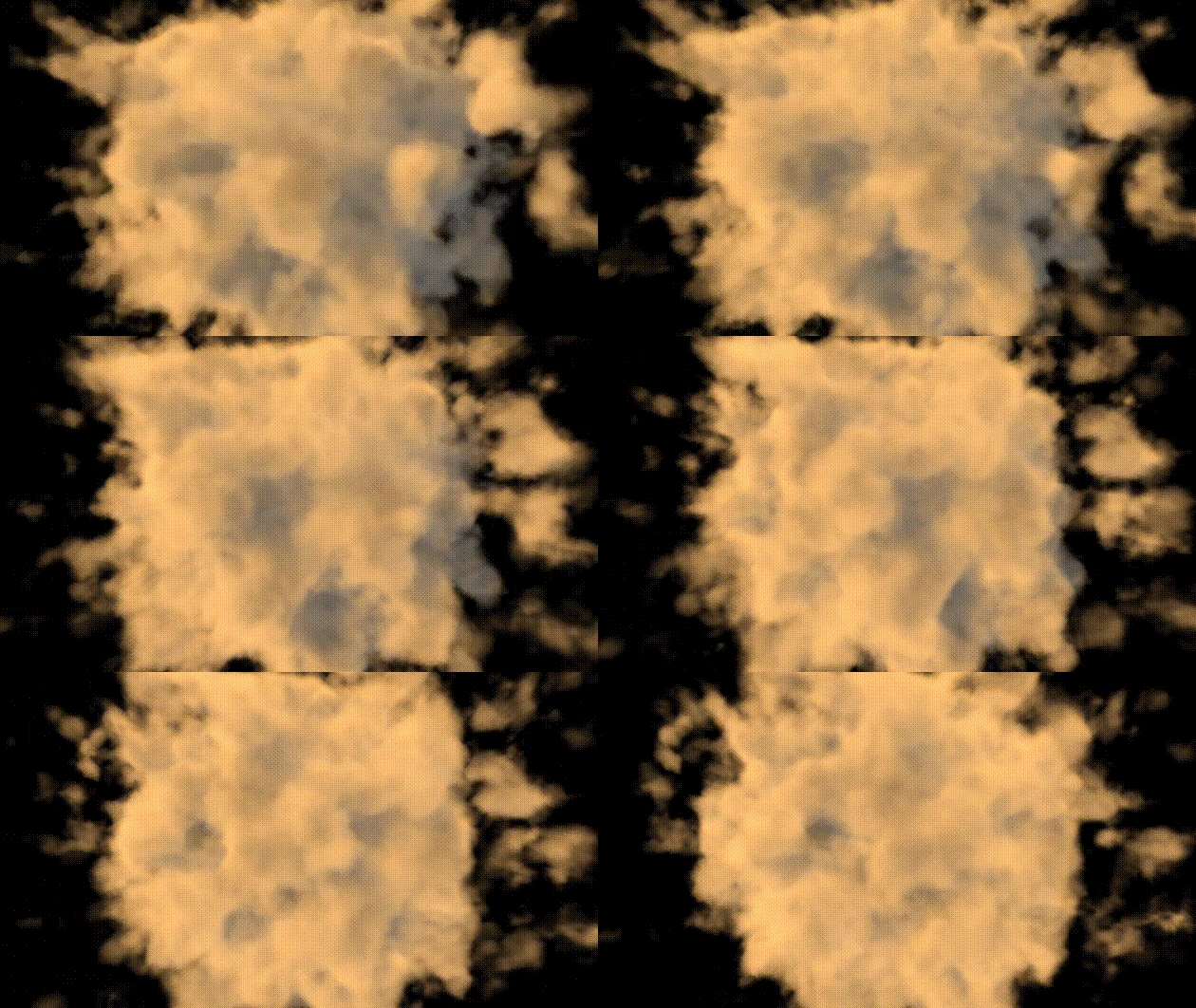
Final Shader : https://www.shadertoy.com/view/MfGcW1
FBM Fractional Brownian Motion, Sum of several layers (also called octaves) of noise, each with a different frequency and amplitude. Each layer or octave is created by applying a noise function (such as Perlin or Simplex noise) at different scales. Steps,
Pis the position in space- A : Amplitudes for each octave decreases as you go to higher octavesm (
A0, A1,..,) - The frequency doubles with each octave (i.e.,
p * 2, p * 4, ...). - Each layer of noise is summed together to produce the final result.
float fbm(vec3 p, int octaves) {
    float f = 0.0;
    float amp = 1.0;
    for (int i=0; i<octaves; i++){
        amp*=.5;
        f += amp * noise(p); p = m * p * (2.0+(float(i)/10.0));
    }
    return f;
}
Perlin Noise Function generates 3D Perlin-like noise by:
- Decomposing the input position into its integer and fractional parts.
- Using smooth interpolation (smoothstep) to smoothly blend the fractional part.
- Hashing the integer grid coordinates to generate pseudo-random values at the grid corners.
- Interpolating between these corner values to create a smooth noise value.
- The result is a smooth and continuous noise function that produces values between
-1.0and1.0, and the smooth transitions between grid points give it the characteristic “Perlin noise” look.
float noise(vec3 x) {
    vec3 p = floor(x);        // Integer part of the input
    vec3 f = fract(x);             // Fractional part of the input
    f = f * f * (3.0 - 2.0 * f);  // Smoothstep interpolation

    float n = p.x + p.y * 57.0 + 113.0 * p.z; // Unique value for each grid cell

    // Interpolate between the hash values at the corners of the cell
    return mix(
        mix(mix(hash(n + 0.0), hash(n + 1.0), f.x),
            mix(hash(n + 57.0), hash(n + 58.0), f.x), f.y),
        mix(mix(hash(n + 113.0), hash(n + 114.0), f.x),
            mix(hash(n + 170.0), hash(n + 171.0), f.x), f.y), f.z
    );
}
Creating Complexity in the Noise: 3×3 rotation matrix used for transforming the points in fbm
If the same transformation matrix were applied repeatedly to the coordinates, it would ensure that the fractal pattern generated by fbm doesn’t just repeat in a predictable way.
const mat3 m = mat3(
0.00, 0.80, 0.60,
-0.80, 0.36, -0.48,
-0.60, -0.48, 0.64
);
Hash function generates pseudo-random values based on input
float hash(float n) {
    return fract(sin(n) * 123.456);
}
Scene function that combines distance-based fog effect with fbm
float scene(vec3 p) {
return 0.1 - length(p) * 0.05 + fbm(p * 0.3 , 16);
}
RayMarching Loop, Main ray marching loop
Density Check: If the density is greater than 0.0 (i.e., we’re inside a volumetric medium like fog or clouds), the loop continues.T: The transparency factor of the ray. It accumulates over the iterations based on the density and absorption, simulating how the ray becomes more opaque as it travels through the medium.Light Scattering: The inner loop (for (int j = 0; j < nbSampleLight; j++)) calculates light scattering along the ray by sampling the light density in the direction of the sun (or light source). This simulates how light interacts with the medium.Ambient Color and Scattering Color: For each step, the shader adds both ambient and scattering color to the final color based on the density and light scattering. The color values are scaled by tmp, T, and Tl (transparency and light scattering factors).
for (int i = 0; i < nbSample; i++) {
        float density = scene(p);
        if (density > 0.0) {
            float tmp = density / float(nbSample);
            T *= 1.0 - tmp * absorption;
            if (T <= 0.01) break;

            // Light scattering
            float Tl = 1.0;
            for (int j = 0; j < nbSampleLight; j++) {
                float densityLight = scene(p + normalize(sun_direction) * float(j) * stepl);
                if (densityLight > 0.0) {
                    Tl *= 1.0 - densityLight * absorption / float(nbSample);
                    if (Tl <= 0.01) break;
                }
            }

            // Add ambient + light scattering color
            vec4 ambientColor = vec4(1.0) * 50.0 * tmp * T;
            vec4 scatteringColor = vec4(1.0, 0.7, 0.4, 1.0) * 80.0 * tmp * T * Tl;
            color += ambientColor + scatteringColor;
 Ceyhan Kapusuz